
WordPress Pitfalls: Avoid These Auto-Installed Plugins for a Faster, Cleaner Site
When starting with WordPress, it’s important to be cautious about certain plugins that may come pre-installed or get automatically installed […]

When starting with WordPress, it’s important to be cautious about certain plugins that may come pre-installed or get automatically installed […]

Want to transform your website from basic to brilliant? Say hello to PLUGINS! What is a Plugin? A plugin for

Including images on your webpages and blog posts engages people, breaks up text, and helps to communicate your message. In
Spacer blocks give a little bit of “elbow room” between two other blocks. (Kind of like your mom sitting between
As always, we deal with first things first! Before we get into how to change the default setting for blog
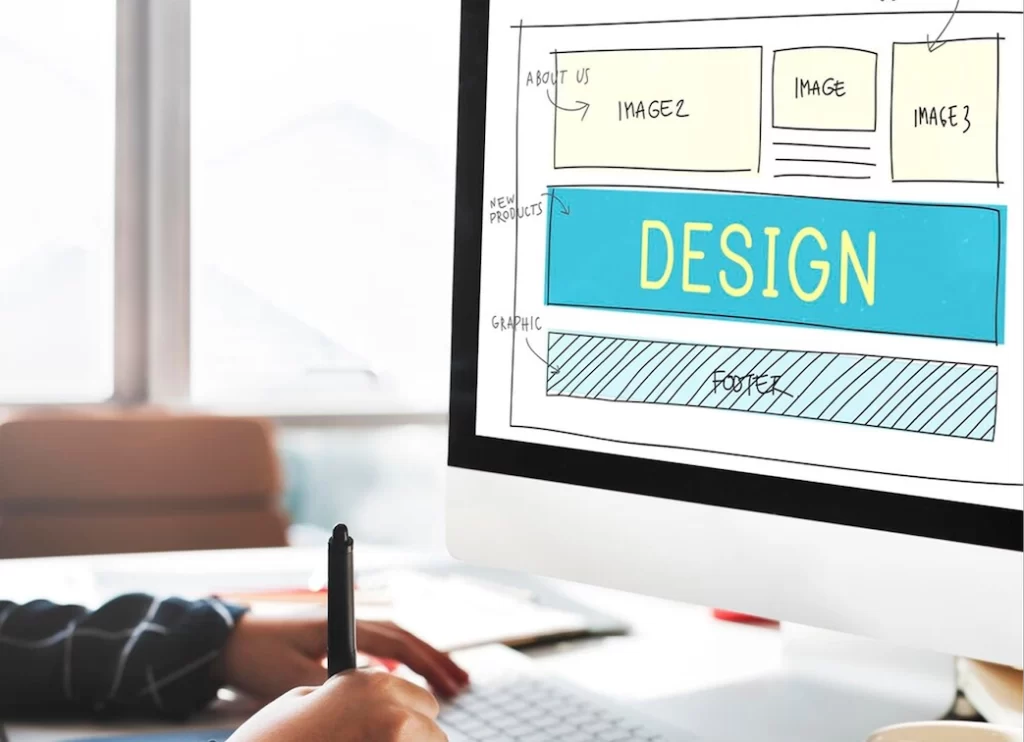
Your Website Needs a Makeover If It’s Not Working for You (or If It’s Cringey) Have you ever encountered one
Getting a 404 message for a broken link is the worst! Learn how to fix broken links on your WordPress website.

Meta descriptions are one of the elements that signal to search engines (think: Google) that your site has what the user is searching for. Therefore, a meta description should persuade users that “this” is the best place to go for the information they are searching for and get them to click on it. Good meta descriptions will help you show up in search results.

Remember all the hard work that went into creating your WordPress Website? You made sure the design was appealing and easy to navigate. You pored over every syllable of copy to make sure your brand message and unique value was clear. You ensured the site took visitors on a journey to convert them from leads into prospects and prospects into customers. Make sure you protect the investment of money, time, and energy that went into your site by signing up for a care plan.

Raney Day Design shows you how to install a WordPress plugin.